



mixing
sessions
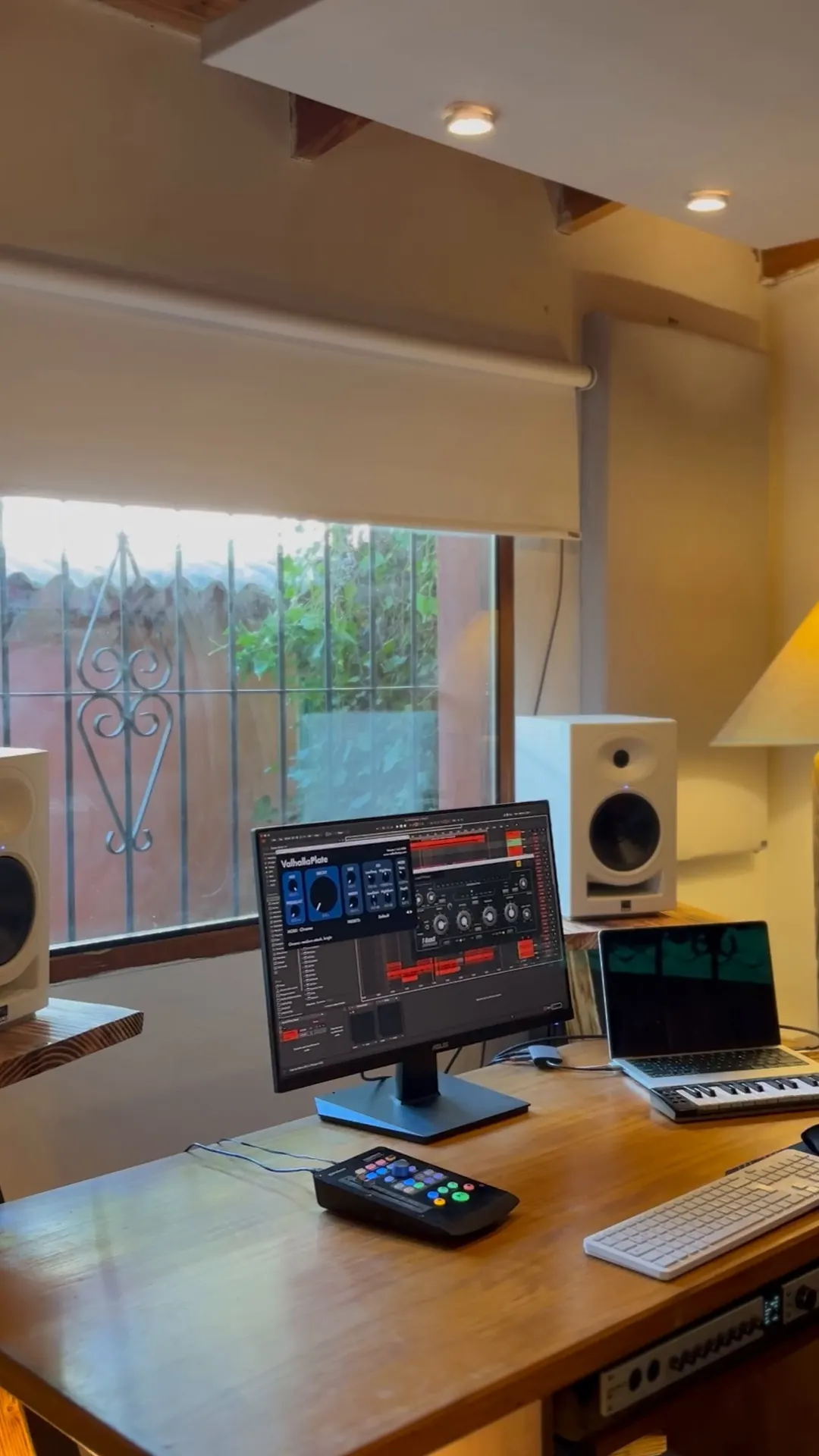
set up the mix session for this song with my template
Step-by-step guide
How I set up my sessions in REAPER with Claude, so you can do it too.
 REAPER ↗Free to download. The license is USD 60 whenever you’re ready.
- Claude Code Desktop ↗You can start with the USD 20 a month plan.
- A folder with the tracksAll of the song’s tracks, just as you got them.
MY TEMPLATE01
First, a template you like
It’s the foundation for everything: your folders, colors, buses and plugins. Claude builds the session on top of it.
You already have oneSave it in REAPER: File › Project templates › Save project as template.
You don’tAsk Claude to build one and save it as a template. Be really specific: which groups you use, which buses, which plugins you like, which colors, how you route. If you already know, say it: don’t let the algorithm decide for you.
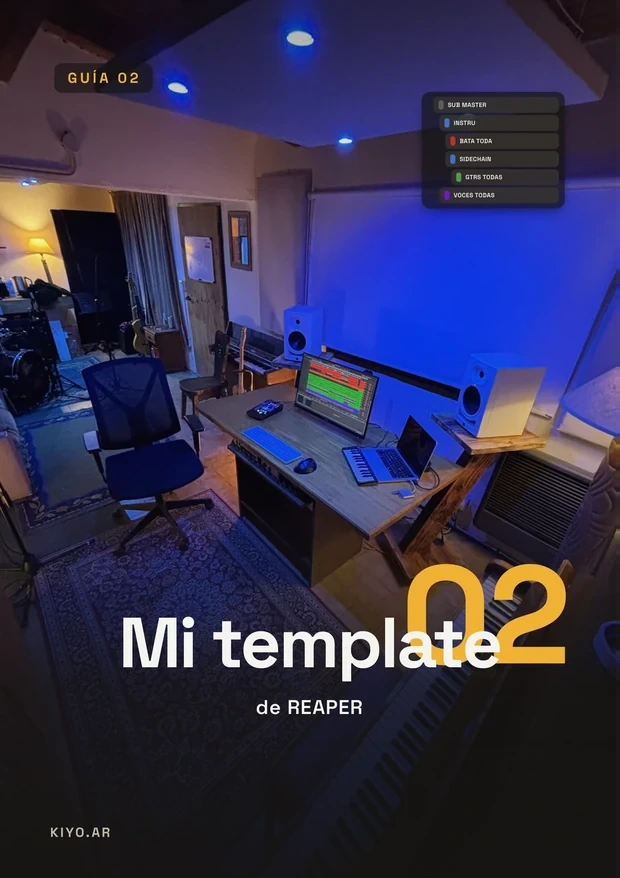 No template? Use mineGuide 02: my 53 tracks with folders, buses and sends.Soon
Automate your DAW
Not on REAPER? What works in any DAW, and what Claude builds in yours.
See the class02
Open Claude Code Desktop in the song’s folder
Download it from Claude’s website, open it and pick the folder with the tracks. From there Claude can see the files and drive your REAPER.
03
Ask it to set up the session
Write it your own way. The clearer you are about how you work, the better it turns out.

Prefer to see it live? Join the next group class.
Complete guides
I made you something really valuable
What I measure and use to mix, in one file. Valuable and affordable: USD 5.50 · ARS 8,500 each, so anyone can have it. PDFs in Spanish for now.
One favor: please don’t pirate it. Like everyone, I make a living from what I do, and every purchase lets me keep making free content. If it helps you, support it.
REAPERGRAY TRACKS04
From random gray tracks to an organized session
Claude writes a REAPER script (ReaScript) and runs it. You end up with the groups from your template: drums with their tracks inside, bass, guitars and vocals, each with its own color and bus.
@pinitamf “Crack”
@rocioruiz.music “Muy buena!!”
Mix and master with Kiyo
See Mix & Master
05
Start mixing
Obviously AI doesn’t do everything: it just helps you with the repetitive tasks.

06
Master and stems
Exporting the master is easy. Stems, not so much: it depends on your routing (buses, sends, effects on the master), so keep that in mind before you ask Claude. I’d do a few test runs before sending.
Mix and master with Kiyo
See Mix & MasterKeep going here
More for you
I’m working on a lot more content, tutorials and classes about this.
Follow me to stay in the loop and keep me motivated! Bear with me, I swear I’m giving it everything.